Instructions
The instructions regarding to the control panel appearing on the left side of the UI.
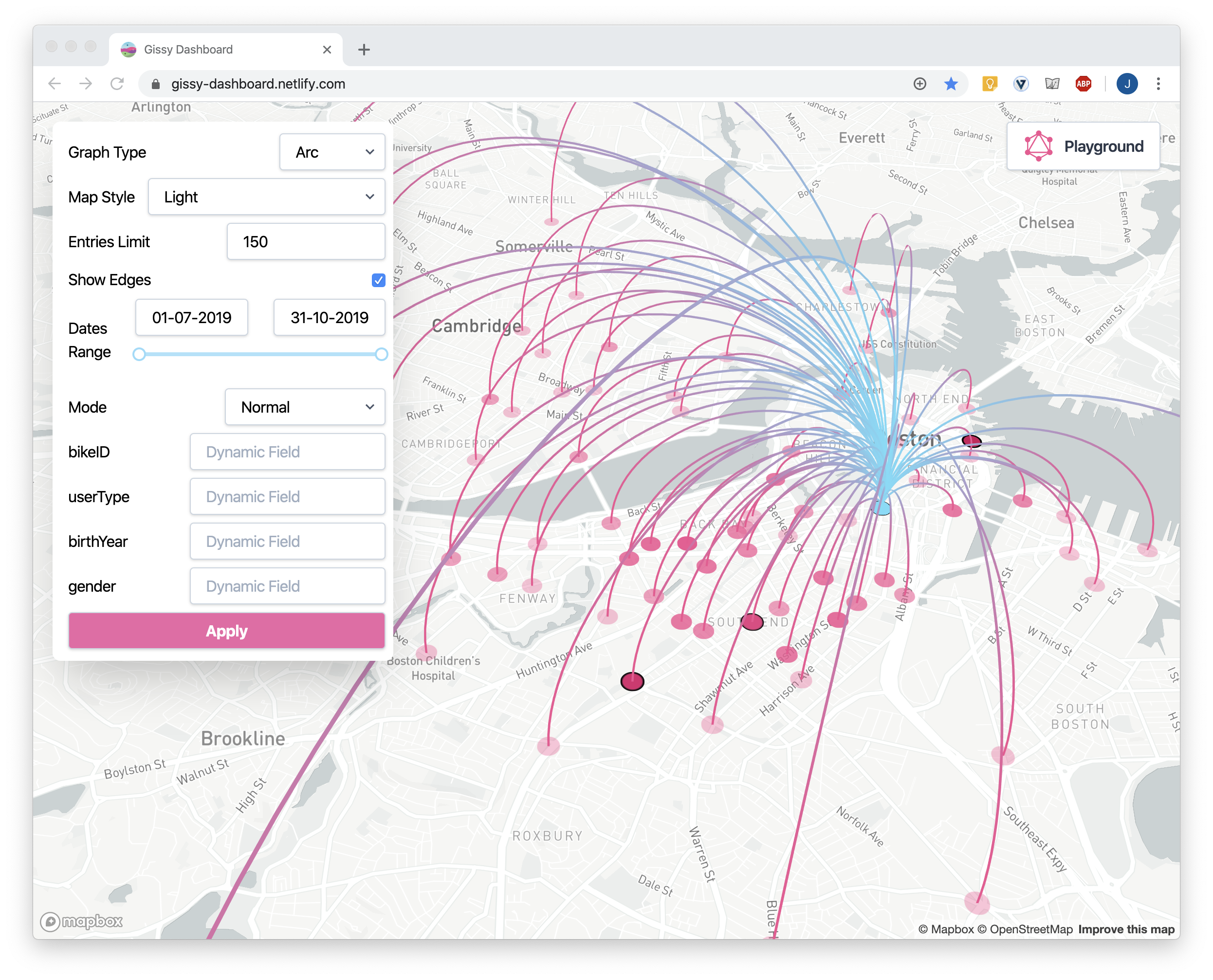
Modes
Normal
- In this mode you are querying for edges.
- You can filter the edges by it's properties.
Path
- In this mode you are querying for a sub graph.
- You can select nodes that will be the source nodes of the sub graph.
- You can filter the sub graph by the edge's properties appearing on it.
Most Connected
- Similar to Mode: Path, with one difference: the source nodes are automatically selected. The source nodes are the most connected nodes in the complete graph (max. out degree).
Scenarios
Edge query
View a linked graph that shows links/paths between geographical points.
- Select: Mode "Normal".
- Hit "Apply".
Paths query
Select a specific node or group of nodes and see (filter) only nodes and edges that are connected to these source nodes (up to N levels removed).
Select: Mode "Paths".
Select: Path length "N".
Click on the desired source nodes in the graph, you can hold
ctrlfor multiple selection.Make sure it appears in the "Selected Nodes" section in the control panel.
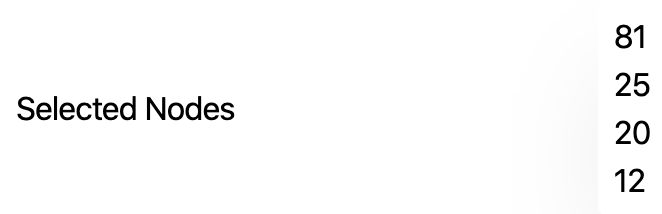
Hit "Apply".
Date Range query
Filter the graph based on a time window.
Drag the "Dates Range" controller:
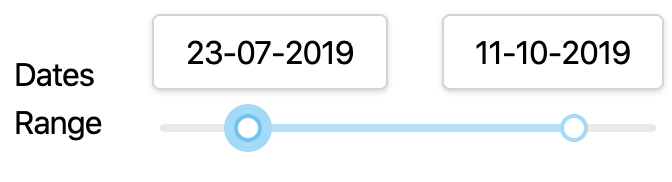
Hit "Apply".
Most Connected query
Query for the top N nodes with the most connections.
- Select: Mode "Most Connected".
- Select: Path length "N".
- Select: Path limit "M".
- Hit "Apply".